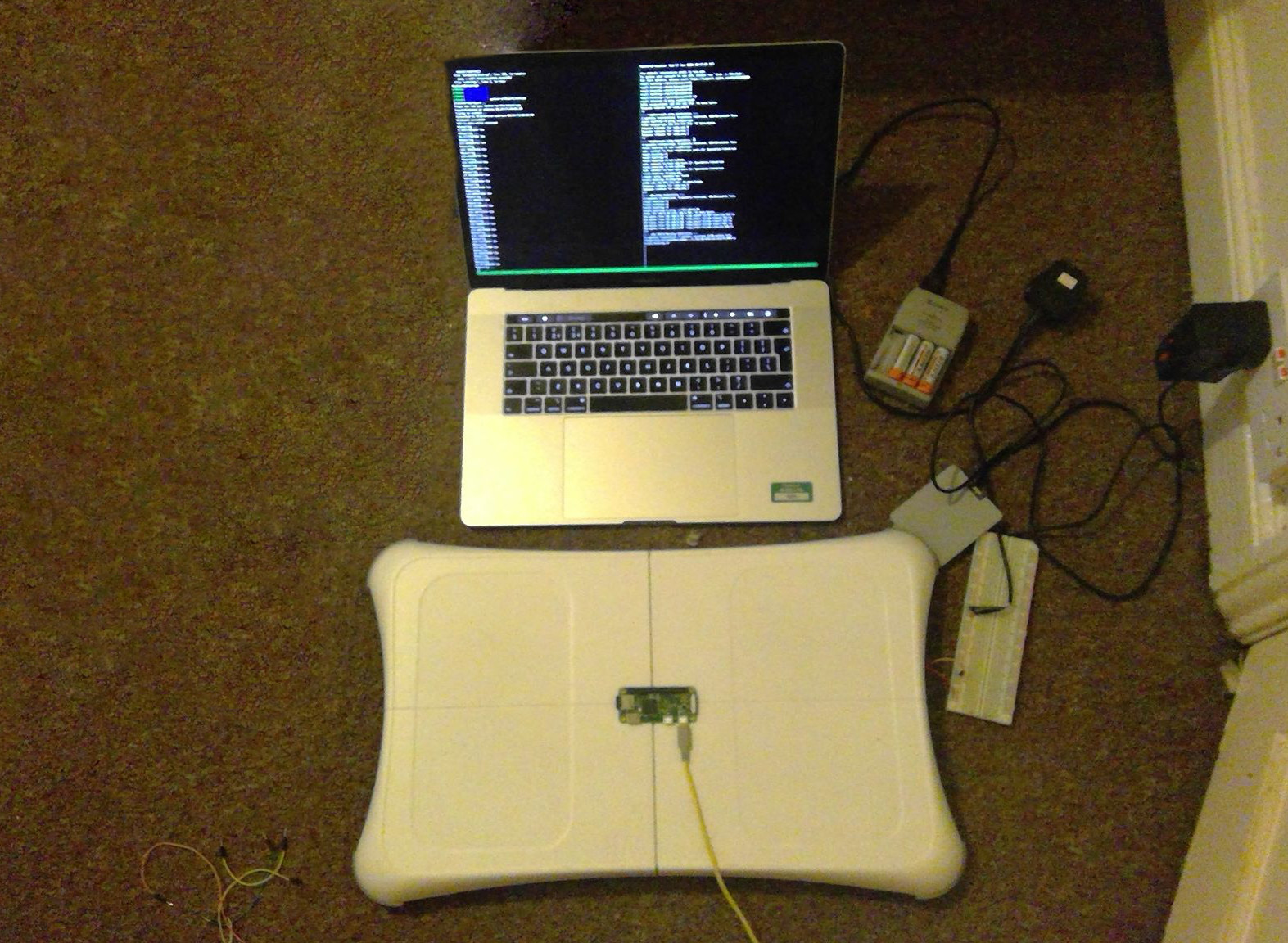
Wii Balance Board Alarm Clock - Raspberry Pi and initial setup
This is the second part of this series, the first post is here.
It seemed to me that this project would require a microcontroller, especially since I planned to use both the Bluetooth and Wi-Fi stacks, which isn’t something I fancy implementing in hardware.
I played around with the idea of using an Arduino for this project, but thought it would create too many difficulties as it seemed too low level for what I needed.
This led me to choose the Raspberry Pi Zero W. The Raspberry Pi Zero is a cheap, absolutely tiny, fully working computer. Importantly for this project, it also has Bluetooth for the connection to the board and Wi-Fi to connect to the internet.
With that decided I did some googling and found this Hackaday post where Jeff Loucks has made a smart scale out of a Wii Fit. This seemed like a great start, so I decided to give that a go.
First, I needed to set up the PI. This involved downloading the Raspbian machine image and flashing it to the Micro SD card. As part of this step I needed to make the Pi headless (as I didn’t have the cables to use it otherwise) this meant adding a few files (wpa_supplicant.conf and ssh) to auto setup the Wi-Fi and enable SSH. Allowing me to connect to it over the network.
Once the SD card was flashed, I popped it into the Pi and waited for the little computer to boot with excitement and trepidation. Logging into the router’s configuration page, I saw it join the network. Using the IP address, I connected via SSH to the Pi.
On the Pi, I downloaded the code provided on the Hackaday post, first installing git and a few other utilities.
I ran the Python script and switched on the board and pressed the sync button. Success. It was measuring the weight I placed on the board.
Now I just need to get a buzzer working and also make it turn on the board and connect automatically.